


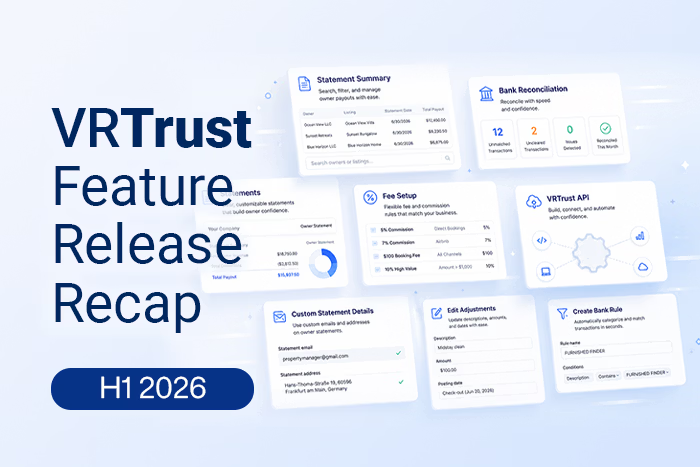
The first half of 2026 was a big one for VRTrust. Across six release cycles, we shipped smarter reconciliation tools, more flexible owner statements, new integrations, and a long list of workflow improvements aimed at one goal: helping property managers close the books faster and with more confidence.
Here's a look back at everything we launched between January and June.
.gif)
Reconciliation & Banking
Reconciliation got faster and smarter all year. We started by making it easier to work through unmatched bank records, adding the ability to sort them by age or amount, search across transactions to find matches, and easily select or undo matches as needed. From there we introduced a full Bank Rules Workspace, giving teams a dedicated place to create, edit, filter, and manage rules that turn repeat bank activity into automated matches, including the ability to generate a rule directly from an unmatched record.
Filtering and traceability improved too. Reconciliation transactions can now be filtered by source (bank rule, manual, or synced connection), by both Paid At and Created dates, and by amount, including negative values. In June, we added pre-filtered drill-down views for unmatched and uncleared items, plus new date-based filters, so teams can trace exactly where a discrepancy is coming from. We also rolled out a redesigned bank account management modal for pausing, resuming, and reconnecting syncs, and gave the Trust Reconciliation reports the ability to flag non-zero owner balances tied to ended or inactive ownerships.
On the reservation side, the Financial filter now lets you drill into specific line items, VRTrust line types let you track revenue that doesn't sync from your PMS, and financial adjustments, fee adjustments, and unmapped line types can all be edited or reclassified directly from the reservation drawer without touching master mappings. Reservation financials also gained multi-currency views for ledgers with mixed-currency rows.
Owner Statements & Financial Reporting
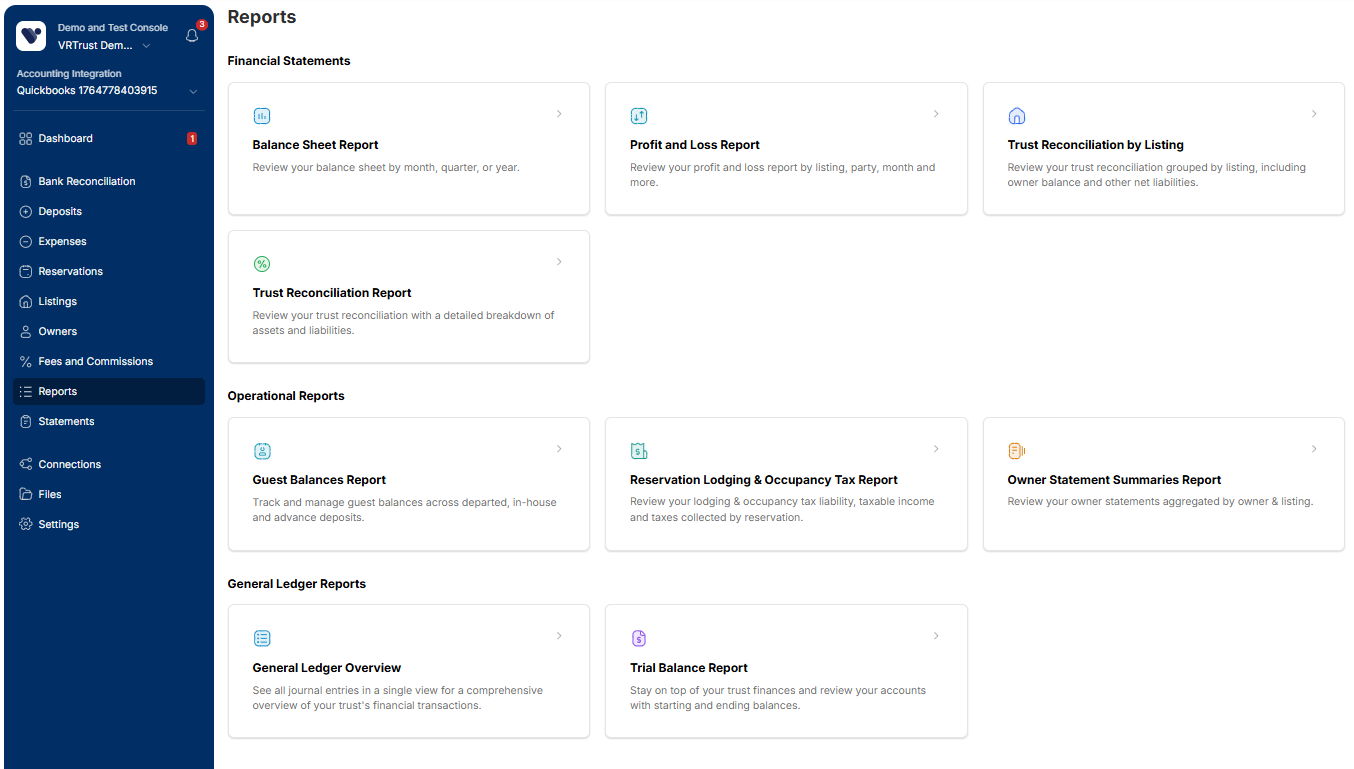
Statements and reporting saw continuous investment all six months. We launched a Balance Sheet Report for reviewing assets and liabilities by month, quarter, or year, and an Owner Statement Summaries Report for a consolidated view of each owner's annual activity. Both PM and owner statements picked up meaningful detail: multi-line expense descriptions, expense attachments you can view and download, a payment column on the statements overview, and an assets and liabilities section on PM statements plus PDF and bulk exports for both statement types.
Owner Reserves became fully integrated into listing ownerships and statements in March, with reserve balances now reflected in the Statement Summary Box alongside earnings details. By June, statement totals and subtotals became clickable, letting users drill straight into the underlying general ledger activity, and owner payout descriptions and amounts became editable (except on locked payouts). We also added freeze-column support and search on the owner statement summary report, and gave teams control over whether draft statement data appears in summary reports.
Fees, Ownerships & Setup
Recurring fees and commissions gained new charge-basis options (per reservation, per night, per guest, or per guest per night) and support for conditional logic based on thresholds, including the ability to exclude zero-dollar reservations from fee calculations. Fee templates can now apply to multiple channels at once, and both fees and listing ownerships support open-ended start and end dates.
Onboarding also got simpler: a new Getting Started checklist walks new teams through key setup steps like opening balances, those dashboard cards can now be dismissed once complete, and listing opening balances can be imported directly from a CSV template that auto-populates with your own listing IDs.
Integrations & Accounting Partners
VRTrust's ecosystem grew steadily through the first half of the year. We added a native Lynnbrook integration for automatic payment syncing, expanded Guesty support to sync reservation payments (with filtering by channel and payment method) and auto-create deposits from check and e-check payments, and built workflows to post GL activity to QuickBooks Online or Sage Intacct and support billable expenses in Sage Intacct. In June, we added a Hostex integration, extended calendar blocking to Guesty, Hospitable and Hostaway users, and shipped a clearer cutover workflow for teams migrating between PMS platforms.
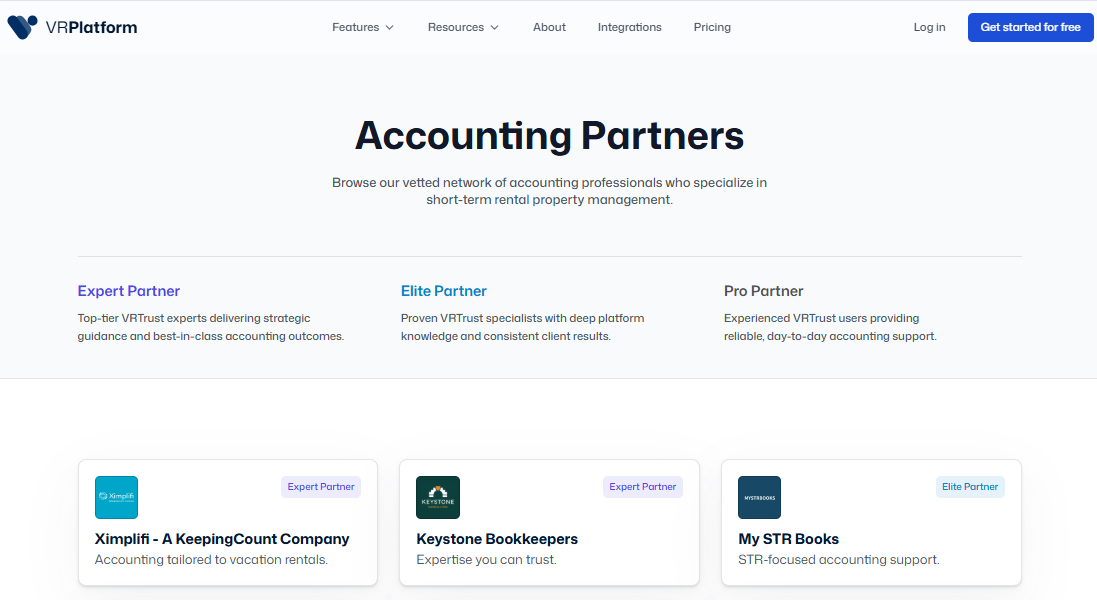
For accounting firms, we launched an Accounting Partners Marketplace to help property managers find and connect with VRTrust specialists, along with tools to help existing VRPlatform teams migrate to VRTrust.
Perhaps the biggest integrations news of H1: in June we launched a VRTrust MCP (Model Context Protocol) server, enabling AI agents to query and interact with VRTrust data directly — a first step toward letting teams work with their trust accounting data through AI assistants.
Efficiency, Data & Access
A recurring theme all year was cutting down manual, repetitive work. Early on, we rolled out bulk actions across owners, vendors, expenses, deposits, reservations, transfers, and fee/commission templates, covering everything from archiving and deleting to refreshing journal entries and updating payment status in one pass. Owner statements and PM statements can be exported in bulk, and lists and tables anywhere in VRTrust can now be exported directly to CSV.
Data management also got more robust: unique IDs for listings and contacts make CSV imports for expenses and deposits easier to map correctly, a new import modal for Booking.com and Guesty deposits reduce manual work, and accounts in the chart of accounts can be duplicated to speed up setup. In May, we introduced user API access, giving teams token-based access to build custom integrations and automate workflows against VRTrust data. Owner-side access also improved, with the ability to invite view-only owner viewers and let them manage their own statement notification preferences.
Looking Ahead
From reconciliation and reporting to integrations and AI-ready APIs, H1 2026 was about giving property managers more control, more automation, and more visibility into their trust accounting. Stay tuned to see what's coming in the second half of the year!
Want the full detail on any of these releases? Check out our VRTrust Release Updates collection in the Help Center.
